Ship access
DocumentedMatch ASOP's ship assignment to the passenger elevator destination.
Getting Started in the Verse (2026-07-24)
Match the ASOP assignment to the elevator destination before boarding.
Revision 1. Source dates are visible below. These are source-reviewed instructions, not an SC Nomads gameplay test.
Suggest a source-backed title, alias, summary or location correction for this same record. A different qualified reviewer must approve it. Its address, type, facts, steps and staff images stay in place.
Match ASOP's ship assignment to the passenger elevator destination.
No supported value yet. A dated observation can help improve this entry.
Latest known controls from the linked sources. Rebound keys may differ. Confirm the visible destination or prompt before the next action.
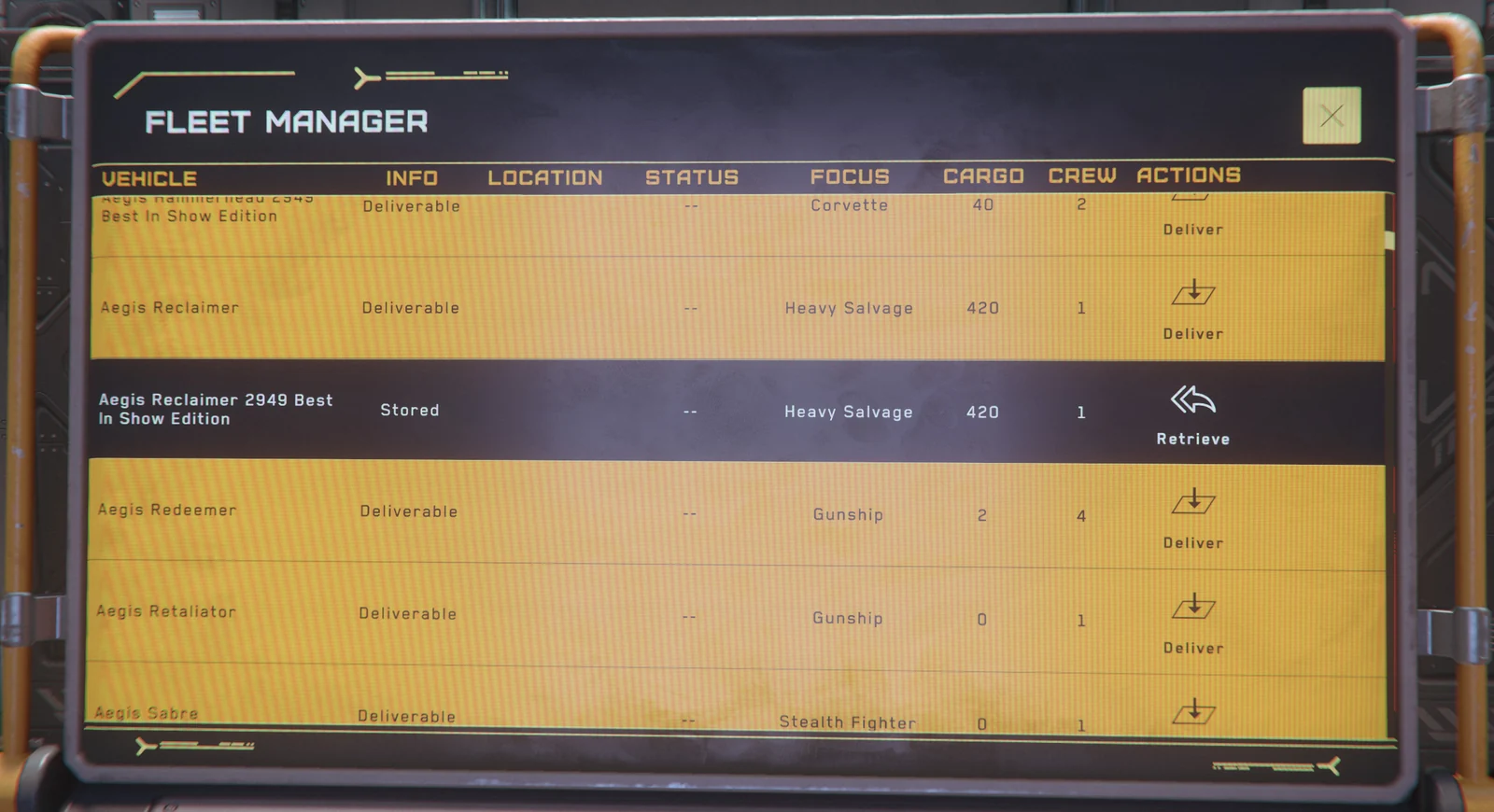
At ASOP, Deliver if needed, then Retrieve; read the assigned hangar.
Assignment or delivery timer.
Wait for delivery before boarding.
Pass to New Deal's right. Use a white double-door elevator.
Dual-button panel on the right.
Return to New Deal if unsure.
At the passenger panel, select the hangar shown by ASOP.
Your assigned hangar.
Wrong hangar? Recheck ASOP; use passenger transit.
Cloud Imperium Games. Published or updated 2025-06-24. Checked 2026-10-15. No specific build established. Evidence: official-guide.
Cloud Imperium Games. Published or updated 2026-07-24. Checked 2026-10-14. No specific build established. Evidence: official-guide.
The original atlas is an SC Nomads editorial compilation of the sources shown on this page. Published member corrections are credited below. Owner moderation decisions are separate from independent publication reviews.
Loading atlas credits…