Favorites are preferences. Your wishlist and hangar are managed in your own workspace.
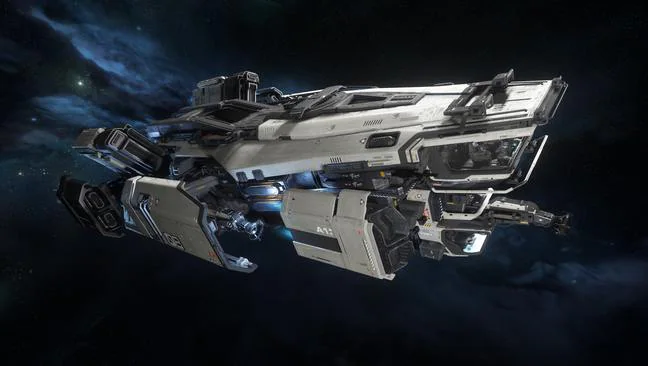
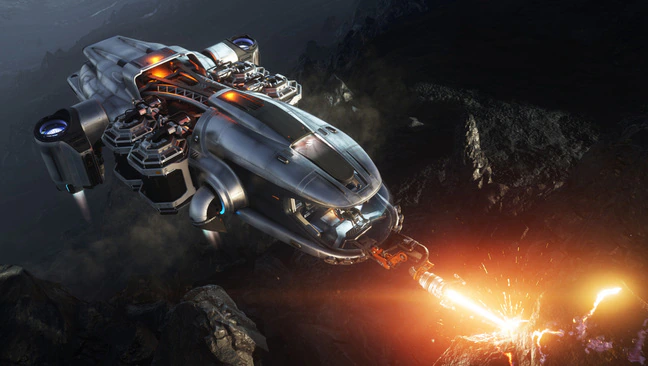
Official reference image, shown in its original proportions. Image provenance
Checking your account…
Matrix size
Medium
Length × beam × height
45 m × 26 m × 15 m
At a glance
Dated source references, checked 2026-10-20. Design and conditional claims are labelled. Each card has one supporting-details section for conditions and evidence.
Crew and living
Advertised crew
4
Supporting details and sources
Advertised crew
4
Official advertised crew reference, row updated 2025-12-03 22:40:37. Distinct from extracted station/payload counts and practical solo operation.
Dated MOLE station-design reference: the pilot cannot operate mining lasers from the flight seat. Solo work requires leaving flight controls and occupying a mining seat. This does not claim distinct current paint-edition equipment or inability to fly solo.
Build-listed crew maximum (source definition): Unknown
Operating station / seat count: Unknown
Passenger / jump seats: Unknown
Captain’s quarters: Unknown
Interior rooms / arrangement: Unknown
Living facilities: Unknown
Entrances / exits: Unknown
Refuel other craft: Unknown
Repair other craft: Unknown
Restock / rearm other craft: Unknown
Cargo arrangement / crate limits: Unknown
Fuel / quantum information: Unknown
Defenses / countermeasures: Unknown
Weapon mounts, fitted items and control stations (2 rows)
Direct mounts and pilot-slaved remote turrets are different assignments. See Pilot-controlled armament for documented slaving and crew override. Mount size alone does not establish installed gun size.
Argo Mole Talus Edition: weapon reference
Mount / group
Size / mounts
Fitted items per mount
Control evidence
VariPuck S2 Gimbal Mount weapons
Size 2 · 2 mounts · quantity 1
CF-227 Badger Repeater · size 2 · 1 per mount
Operator not established · Assignment needs verification
Manned Turret utility items
Size 4 · 3 mounts · quantity 1
No child loadout supplied
Utility station · Source group label
Full equipment and technical reference
Open to load this ship only.
Reviewed ship fact contributions
Current independent corrections are reflected in the facts above and in catalog search, filters and comparison. Imported reference data and immutable review history stay intact. Material corrections earn current hull credit once per contributor and independent reviewer, not per revision. Existing private ship wishlists can receive one in-app notice; no email is sent.
While safely parked, walk from the pilot seat to the intended mining station and back. At a small deposit, have the operator confirm the rock is visible and within the actual tool range before any beam is started.
Ready when: The operator can read the deposit and the pilot knows whether a reposition is needed.
Why it matters
Our suggested drill is not a verified deck map or a fixed parking distance. Turret arcs and the fitted head matter. The 2019 Q&A describes separate occupied stations, not a current autopilot or NPC crew feature.
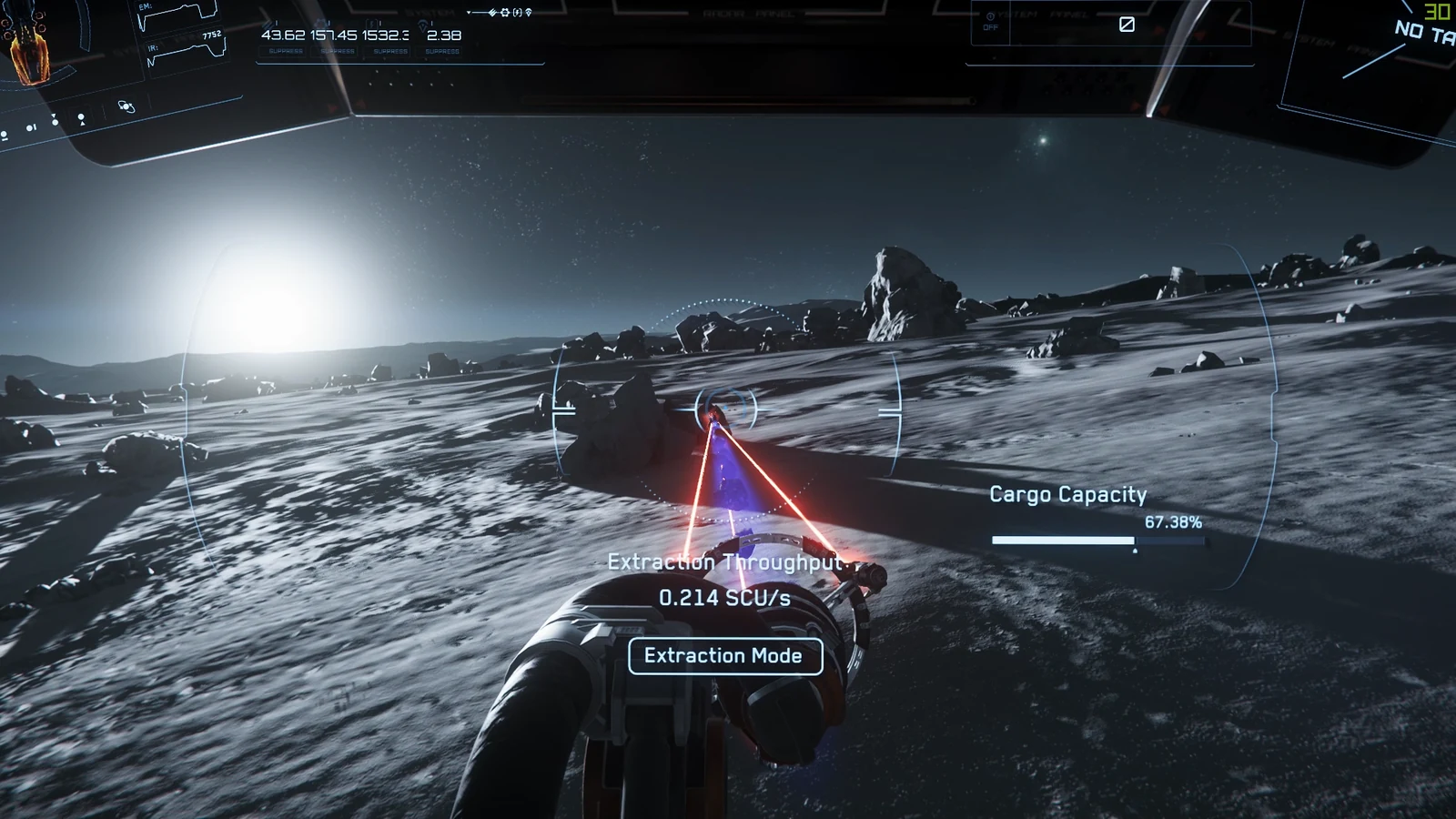
Use the shared mining lesson to identify mode, power and the working window on the station HUD. Stop the beam before leaving the seat or asking the pilot to move.
Ready when: The operator confirms the beam has stopped, then the pilot confirms a stable new position before work resumes.
Why it matters
Surface wind can force extra cockpit trips; that caveat below is a player report, not our reproduced test. If the ship drifts, stop work and regain control. Try a quieter location or bring a pilot rather than assuming an unattended hover stays fixed.
Read the ore storage and choose the offered refinery job or raw-ore sale deliberately. If refining, record the facility and job, then plan a suitable cargo ship for collection.
Ready when: The crew knows where its material is, what the next handoff needs and who is responsible for collecting it.
Why it matters
The MOLE has no onboard ore refinery. Its listed cargo figure is not a verified ore capacity, and finishing a refinery timer does not automatically deliver saleable output to another destination.
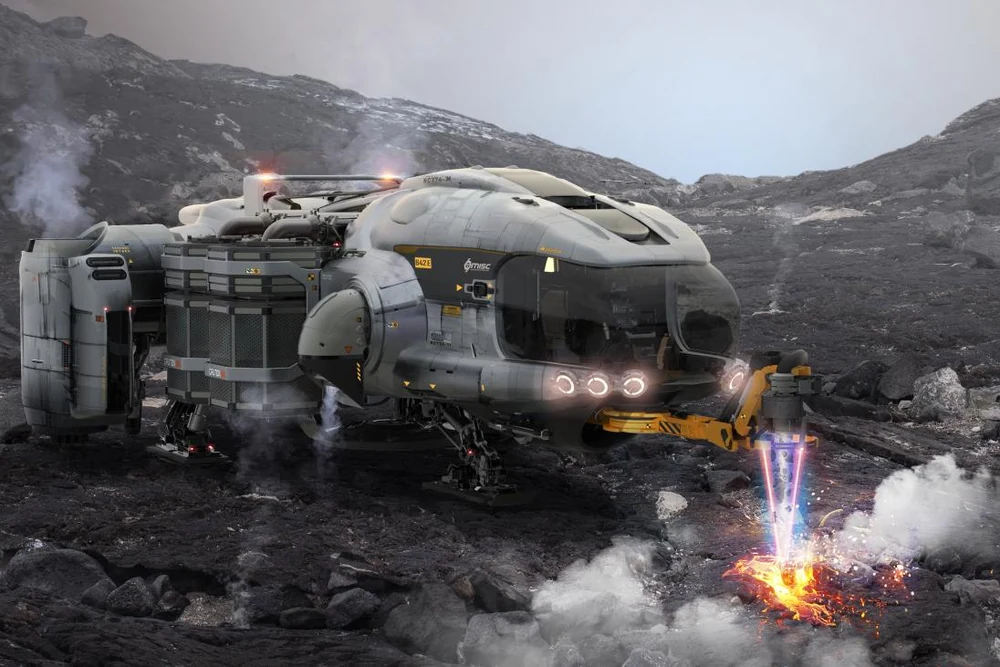
A MOLE has separate flying and mining positions. With one operator, those jobs happen in turn. With a pilot and miner, they can coordinate position and laser work.
01
Pilot
Approach and position the ship so the chosen mining station can reach the deposit.
Handoff check: The operator confirms target analysis and a usable working distance.
02
Mining operator
Work one occupied laser station, read the rock energy and collect suitable fragments.
Handoff check: Stop the beam before leaving the seat or asking the pilot to reposition.
Responsibility overview, not an interior map or a minimum-crew rule. The 2019 CIG station reference is identified in the guide; current-patch gameplay has not been tested by SC Nomads.
Open the step-by-step guide to practise the handoffs, check its evidence or suggest a correction through normal peer review.
Selected community reports, checked 2026-10-20. Confirm the current price and availability at the terminal before spending aUEC.
No dated offer included for this hull yet. This does not mean it is unavailable.
Rental rules, resets and source limits
Rentals are temporary access, not ownership. The PU rental timer continues while logged out, and rented component loadouts cannot be customized. Daily rates above do not establish discounts for longer rentals. RSI rental rules (updated 2026-04-28).
Pledge availability and real-money prices have not been checked in this snapshot. Official ship information. An in-game offer does not establish pledge availability or that a game package is included.
PEOPLE AND PREPARATION
What changes when a friend joins?
When you are alone
The pilot cannot operate the mining lasers. Leaving a mining seat stops its beam, so one person cannot leave three lasers running. Position the ship, stop movement, move to one mining seat and return to the cockpit whenever alignment needs correction.
4 advertised crew. This is an advertised crew reference, not a solo recommendation or passenger-seat count.
For a first two-person run, keep one pilot at the controls and one operator in one mining seat. Add another occupied mining seat only after agreeing who changes power and who calls stop. Empty seats contribute no active laser.
Source: 2019-12-21 · Reviewed 2026-10-13. Source reviewed; not independently tested in the current game patch.
Wind can interrupt solo miningPlayer report · Hovering over a windy planetary surface
Players report that a MOLE can move while they are away from the cockpit, breaking alignment or putting the ship at risk. This has not been reproduced by SC Nomads.
What helps
Check the hover before leaving the pilot seat. Avoid storms, try space mining, or keep a friend at the controls. Stop work and reposition if the ship drifts.
Source: 2026 discussion; exact publication date unconfirmed · Reviewed 2026-10-15. Source reviewed; not independently tested in the current game patch.
Head and module limits are separateOfficial reference · Shopping for a mining upgrade
The head determines available attachment slots. Modules change its behavior; some are passive and others have limited uses.
What helps
Inspect the installed head and available slots before buying. Compare stability and charge-window tradeoffs, and carry replacements for consumables.
Source: Current guide, checked 2026-10-13 · Reviewed 2026-10-13. Source reviewed; not independently tested in the current game patch.
Engineering access varies by hullOfficial reference · Assigning an engineer to this crew
The official 4.8 table distinguishes full, partial and basic implementations. A working console does not prove every component is physically accessible.
What helps
Walk the repair route and check the current implementation before assigning repair duties.
Source: Guide includes Alpha 4.8 implementation stages, checked 2026-10-13 · Reviewed 2026-10-13. Source reviewed; not independently tested in the current game patch.
Spare parts have a field-replacement limitOfficial reference · Packing components for repairs away from services
Accessible Size 1 and 2 components can be exchanged in flight. Larger components need hangar replacement.
What helps
Check size and physical access before buying spares. Carry the appropriate repair tools and plan a service stop.
Source: Guide includes Alpha 4.8 implementation stages, checked 2026-10-13 · Reviewed 2026-10-13. Source reviewed; not independently tested in the current game patch.
A field repair is not a factory resetOfficial reference · Restoring a destroyed component
A repaired destroyed component is not fully restored. If destroyed again, it needs docking before another repair.
What helps
Repair enough to return safely, then service the ship. Do not budget repeated destruction as unlimited repairs.
Source: Guide includes Alpha 4.8 implementation stages, checked 2026-10-13 · Reviewed 2026-10-13. Source reviewed; not independently tested in the current game patch.
A fitted component still needs powerOfficial reference · A loadout leaves a system greyed out
Combined demand can exceed the available power pool.
What helps
Check power allocation and operating mode before assuming the component is broken.
Source: Guide includes Alpha 4.8 implementation stages, checked 2026-10-13 · Reviewed 2026-10-13. Source reviewed; not independently tested in the current game patch.
4.10.2: EVA gadget placement is brokenOfficial reference · Planning to attach a gadget to an asteroid
RSI lists failed placement during EVA, with no workaround.
What helps
Do not make that gadget essential to the run; choose a deposit your working equipment can handle.
The official matrix was retrieved on 2026-10-15. This entry's source timestamp is 2025-12-03 22:40:37. Listed components may not match the current in-game fit or stock. These entries do not establish compatibility, physical access or pilot control.